Открыть меню специальных возможностей Перейти к содержимому страницы
Event Marketing Retail Events

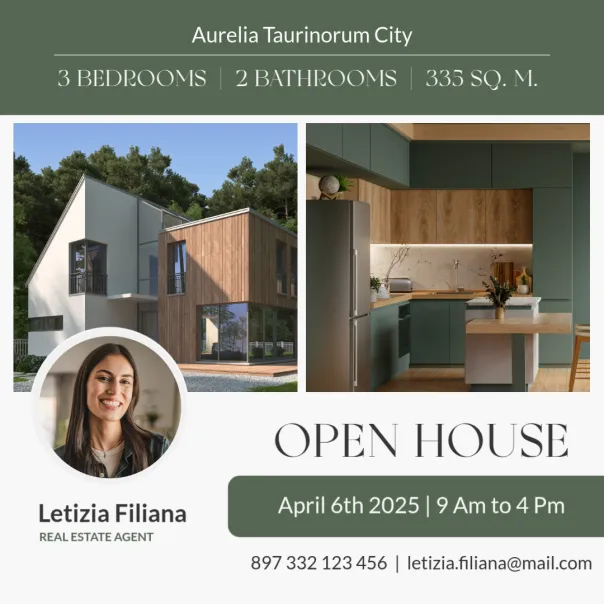
Boost foot-traffic and sales with PosterMyWall Events

Connect with more customers! Promote pop-ups, community markets, sales, launches, and more with shareable webpages and calendars for your website.

How to create an event page for your small business

  • 1

    Click on "Create a new event" under the Events tab.

  • 2

    Add the essentials: date, time, location, and what customers can expect.

  • 3

    Share your event page on social, embed it on your website, or send it via email.

Продавайте билеты прямо со страницы мероприятия

Продавайте билеты прямо со страницы мероприятия

Добавьте билеты, установите цены и начните продавать за считаные минуты - всё на одной недорогой платформе.

  • Задайте цены и лимиты билетов. Принимайте оплату заранее или на входе.

  • Низкие комиссии, удобные выплаты. Никаких скрытых комиссий, а выплаты приходят вовремя.

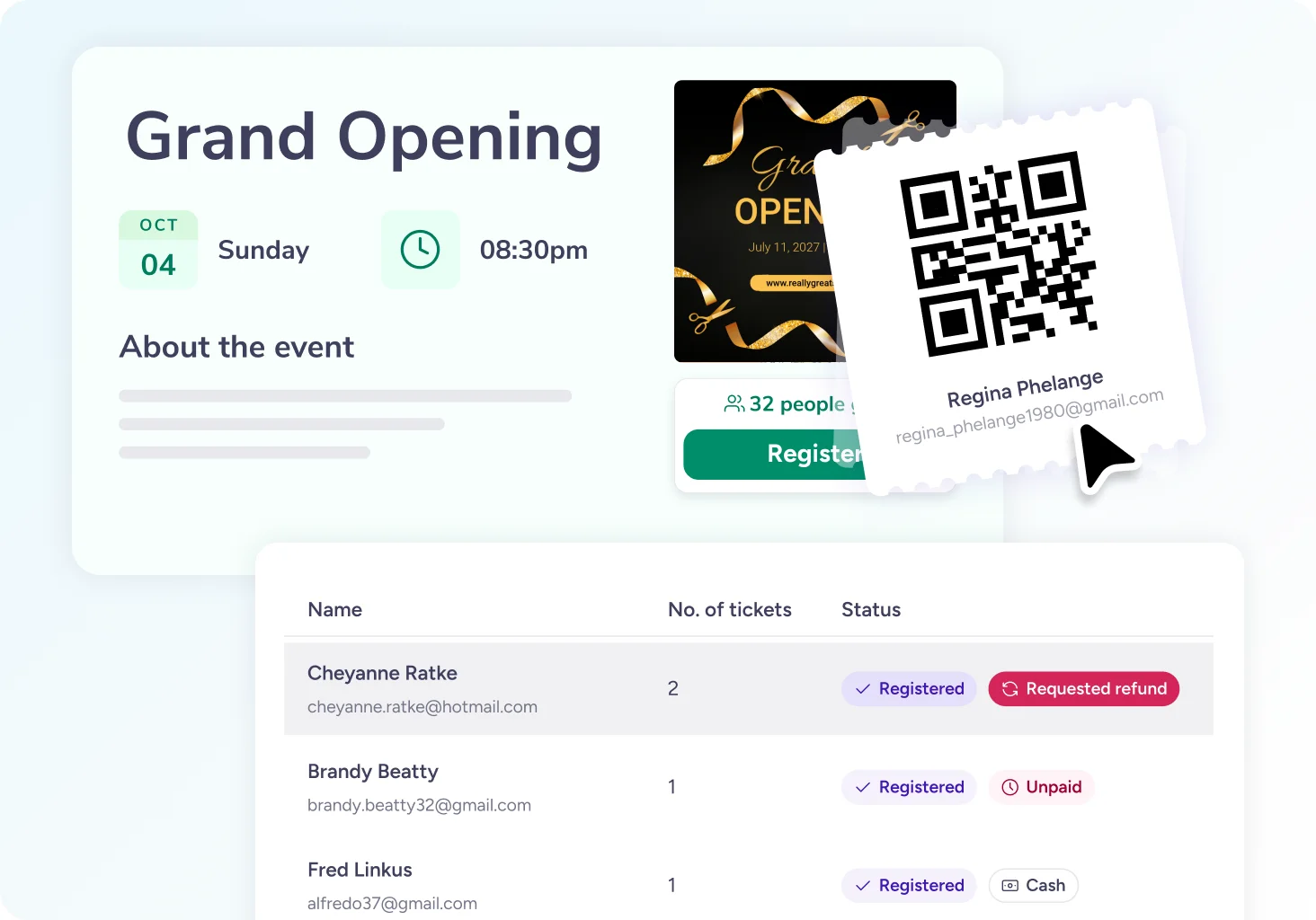
  • Билеты с QR-кодом и простая регистрация на входе. Гости показывают билет, а вы его сканируете.

  • Продавайте везде и отслеживайте каждую продажу. Соцсети, электронные письма и ваш сайт.

  • Настраиваемые регистрационные формы. Собирайте имена, номера телефонов, выбор блюд - всё, что нужно вашему мероприятию. Каждая запись автоматически попадает в ваш список гостей.

Keep your store buzzing, online and in-store

Keep your store buzzing, online and in-store

Show upcoming events, spark interest, and spread the word.

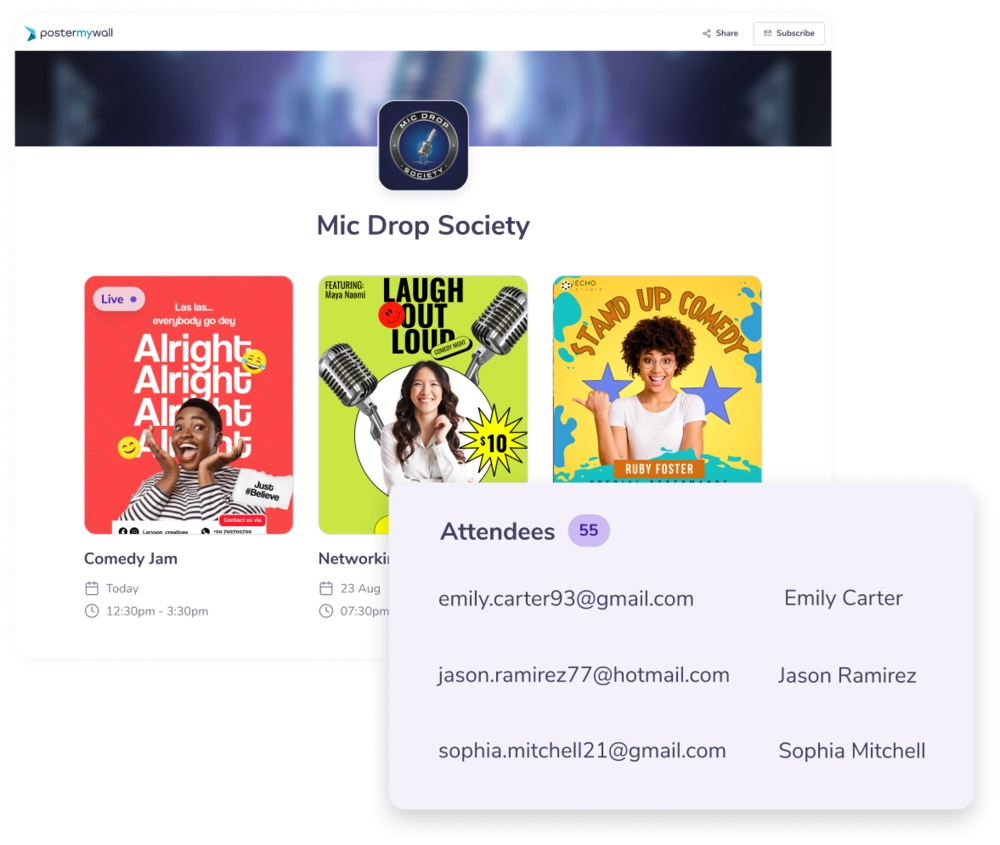
  • Shareable calendar.
    Easily embed a calendar of events, like pop-up shops or launch events, on your website. Your customers won't miss out!

  • Easy RSVPs.
    Collect RSVPs for launches, VIP nights, or exclusive sales right from your event page.

  • Promote everywhere.
    Blast your promos across socials, email, and web, fast with one-click promotion.

Promote smarter and sell faster

Promote smarter and sell faster

Turn every promotion into a crowd-puller with AI tools, auto-reminders, and data that show what really works.

  • Design AI-powered event pages:
    Style event pages and graphics to match your store's look in minutes, with AI-generated messaging and visuals that sell.

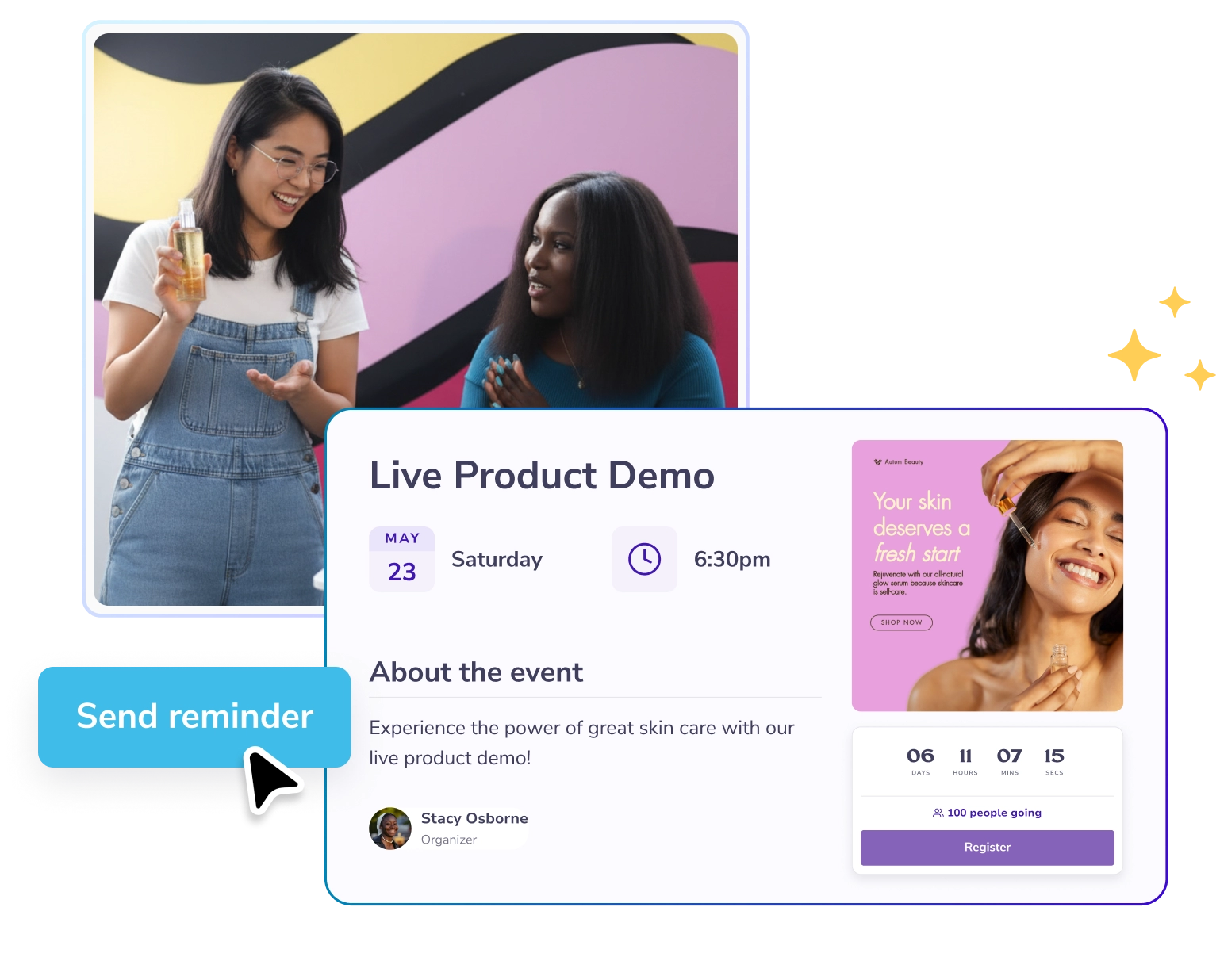
  • Send automated reminders:
    Schedule emails so shoppers never forget your sales or launches.

  • Know what's working:
    Track reach and engagement to see what drives traffic.

Часто задаваемые вопросы

How do I create an event page for my business on PosterMyWall?

Sign up for free, add your event details, upload photos or graphics. Then, share your branded page everywhere: on your website, emails, and social media to start collecting RSVPs.

Can I promote multiple events on PosterMyWall?

Да, на панели «Мероприятия» откройте вкладку «Календарь мероприятий», чтобы увидеть все предстоящие акции в одном месте. Вы можете создать страницу мероприятия для каждого события и поделиться с клиентами единым календарём, в который войдут они все.

Can I send updates or reminders to customers?

Absolutely. Schedule reminder emails to keep customers excited about sales, new arrivals, or limited-time offers. PosterMyWall also sends automatic reminders so no one misses out.

Can I use PosterMyWall for both online and in-store events?

Да. Страницы мероприятий PosterMyWall подходят как для онлайн-мероприятий, так и для мероприятий в магазине — флеш-распродаж, демонстраций или торжественных открытий, — а управлять подтверждениями участия и продвижением можно в одном месте.

Can I embed my event calendar on my website?

Yes. Copy the HTML code of your event calendar and paste it into your website. It updates automatically whenever you add or change an event in PosterMyWall.